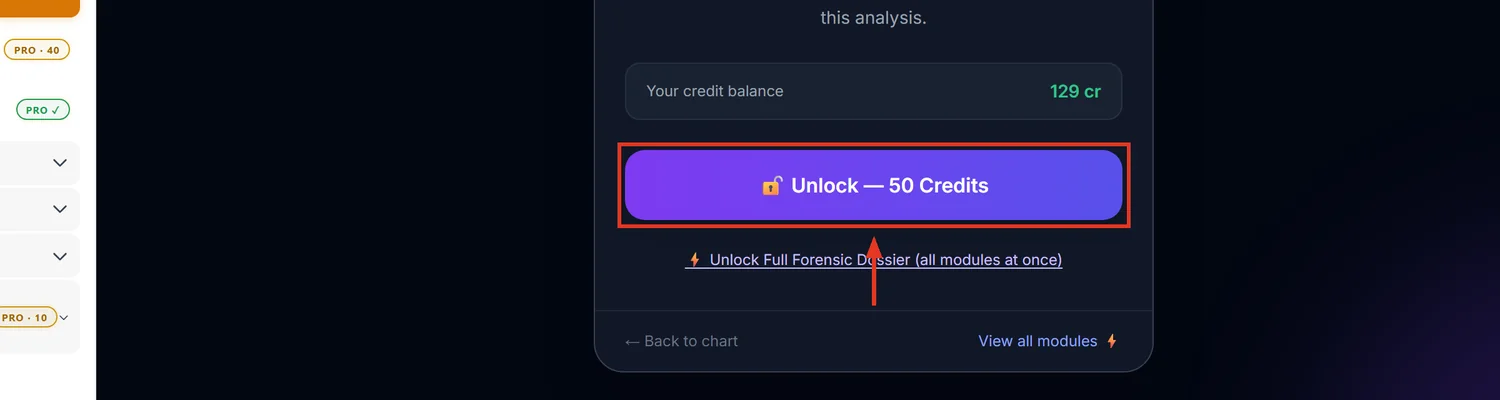
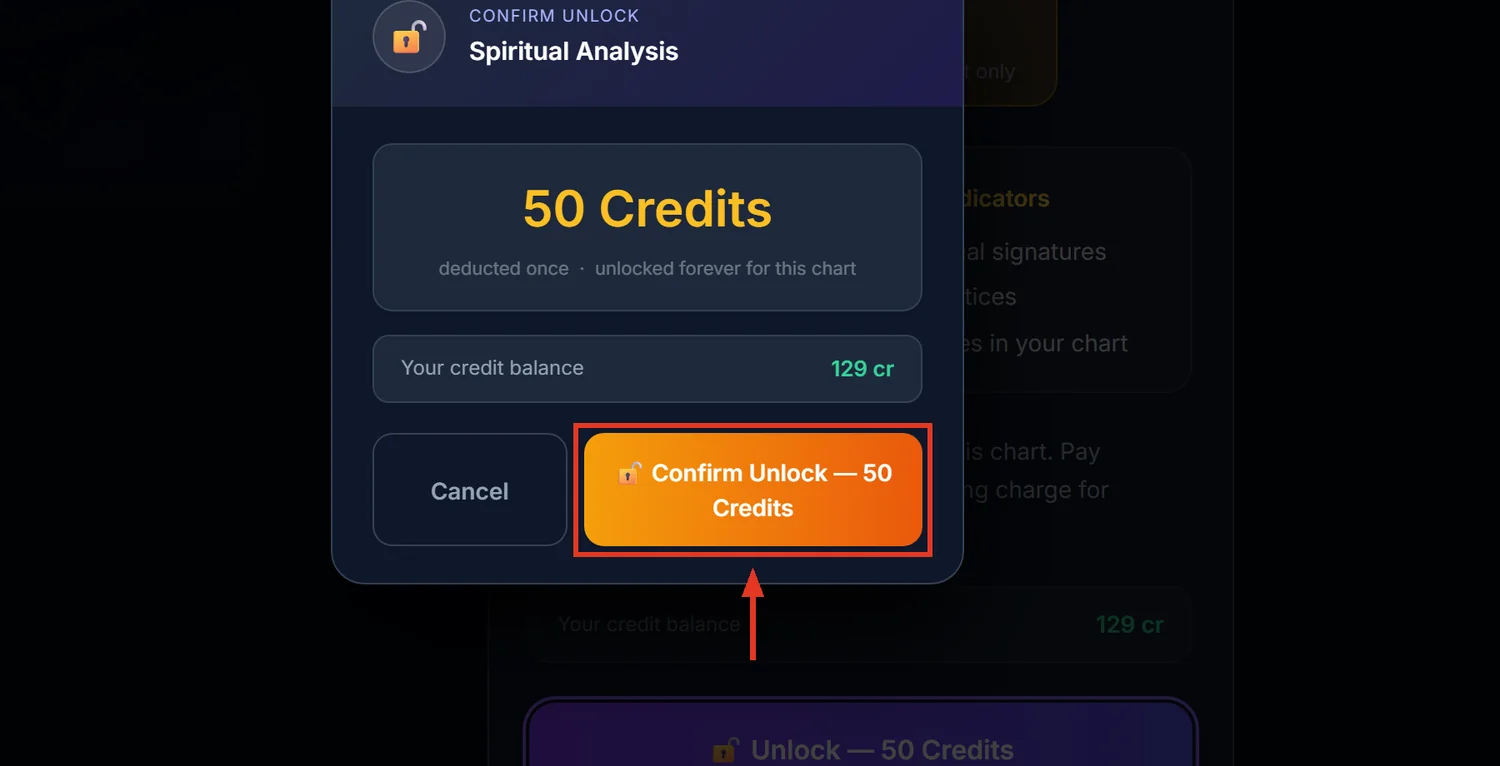
Spiritual Analysis reads the chart's Jaimini soul indicators — Atmakaraka, Karakamsa, Ishta Devata — alongside a large set of classical frameworks (Guna composition, the five Koshas, Bhakti stage, Purusharthas) to describe spiritual inclination and practice. It costs 50 credits, the most expensive single-chart module on the site.
Before you start
This report needs the chart's Jaimini data calculated. If it isn't, the page shows a plain notice asking you to recalculate rather than any content — recalculate first if you can.
Step 1 — Open Spiritual Analysis
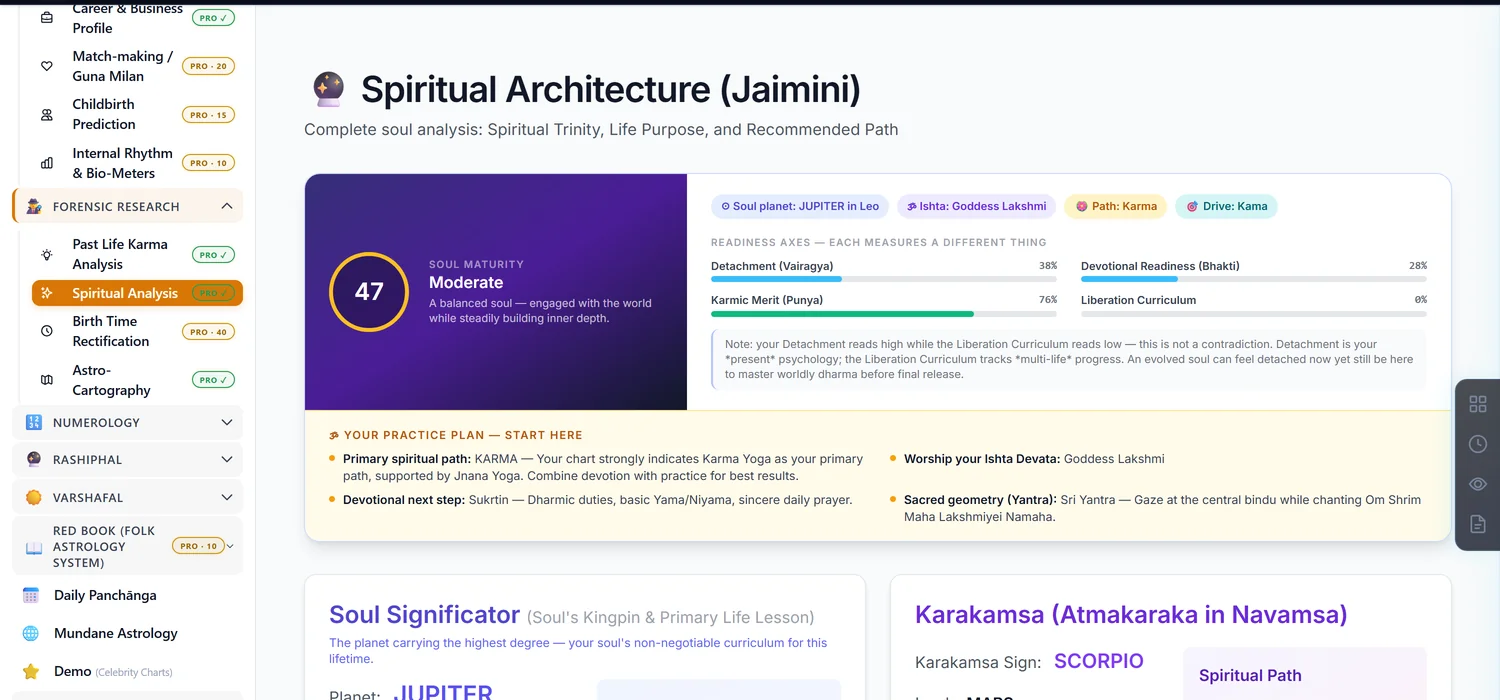
Open a saved chart. In the sidebar, under Forensic Research, click Spiritual Analysis.
Step 2 — Expect several scores, not one
This report deliberately does not collapse everything into a single number. You'll see a Soul Maturity gauge, Guna percentages (Sattva/Rajas/Tamas), a five-stage Bhakti profile, a Soul Maturation Index, and separate Artha/Kama/Moksha percentages. These can legitimately disagree with each other — the page says so directly. Treat them as different lenses on the same chart, not components of one total.
Step 3 — Read the Spiritual Trinity
Three deity assignments serve different purposes: Ishta Devata for moksha and inner peace, Dharma Devata for luck and duty, Palana Devata for protection. The Ishta Devata section includes a recommended sadhana (practice) specific to that deity.
Step 4 — Watch for the gemstone safety block
The Soul Crystal section can show a "6-8-12 Dusthana Lock" banner, meaning the primary recommended gem is blocked because it falls in a difficult house for this chart. When that appears, the report substitutes a Nama-Japa (chanting) recommendation instead of a physical gem — this is a deliberate safety rule, not a missing feature.
Something to know before you print this for a client
This report can change content on its own, with no repurchase. Two things trigger a silent recalculation on your next visit: a backend update to the spiritual-analysis engine's version, and the native crossing an age bracket (25, 50, or 75) that changes which life-stage guidance applies. If a client's report reads differently on a later visit, this is why — not an error.
Common mistakes
- Looking for one combined spirituality score. The report intentionally keeps several separate metrics.
- Printing a report and expecting it to stay identical forever. Age-bracket changes and engine updates can alter it with no new charge.
- Assuming a blocked gem means no remedy is available. A chanting-based alternative is given instead.
- Editing birth details after unlocking. Invalidates the unlock like every other paid module.
If something goes wrong
- "Jaimini Analysis Not Available." Recalculate the chart to generate the karaka data this report needs.
- "Insufficient Credits." Top up before unlocking.