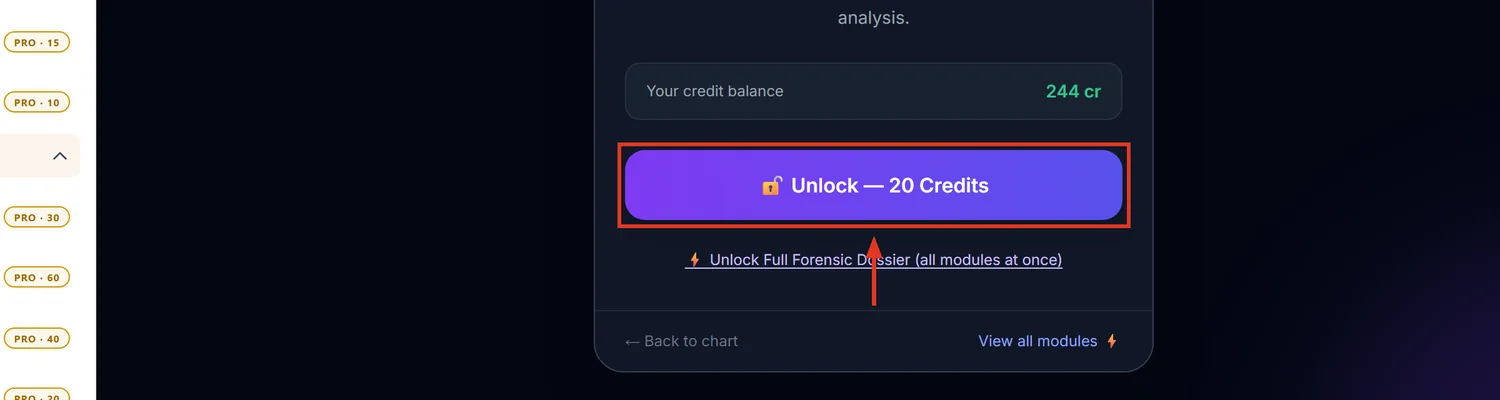
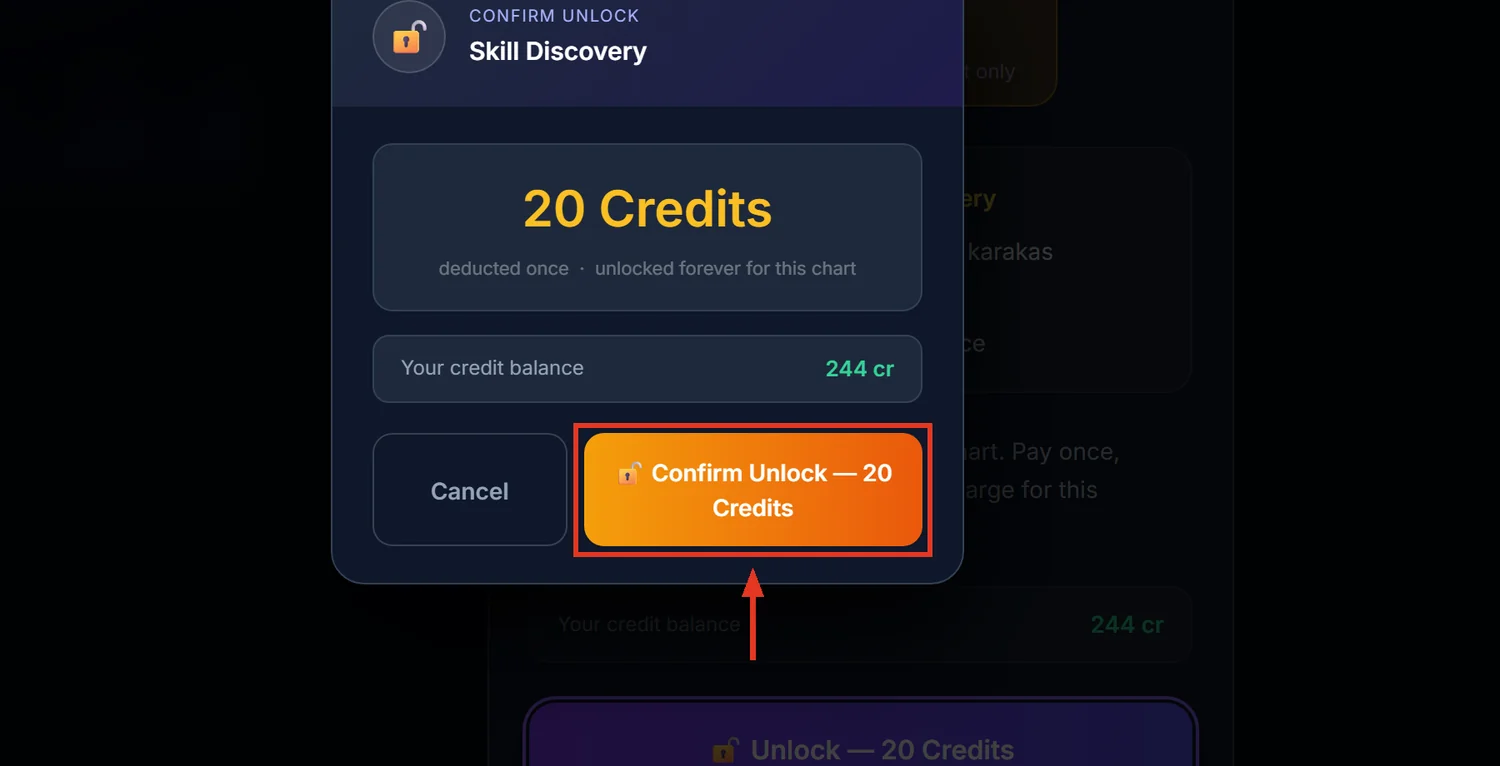
Skill Discovery scores eight cognitive categories — Analytical, Creative, Technical, Leadership, Intuitive, Communication, Business, Healing — from planetary strength and house placement, then names a single best-fit "archetype" and specific career roles. It costs 20 credits and stays unlocked for 30 days per chart.
Before you start
Unlike BNN, Skill Discovery checks the chart's data itself and will recalculate missing pieces automatically before showing the report — you do not need to pre-check this.
Step 1 — Open Skill Discovery
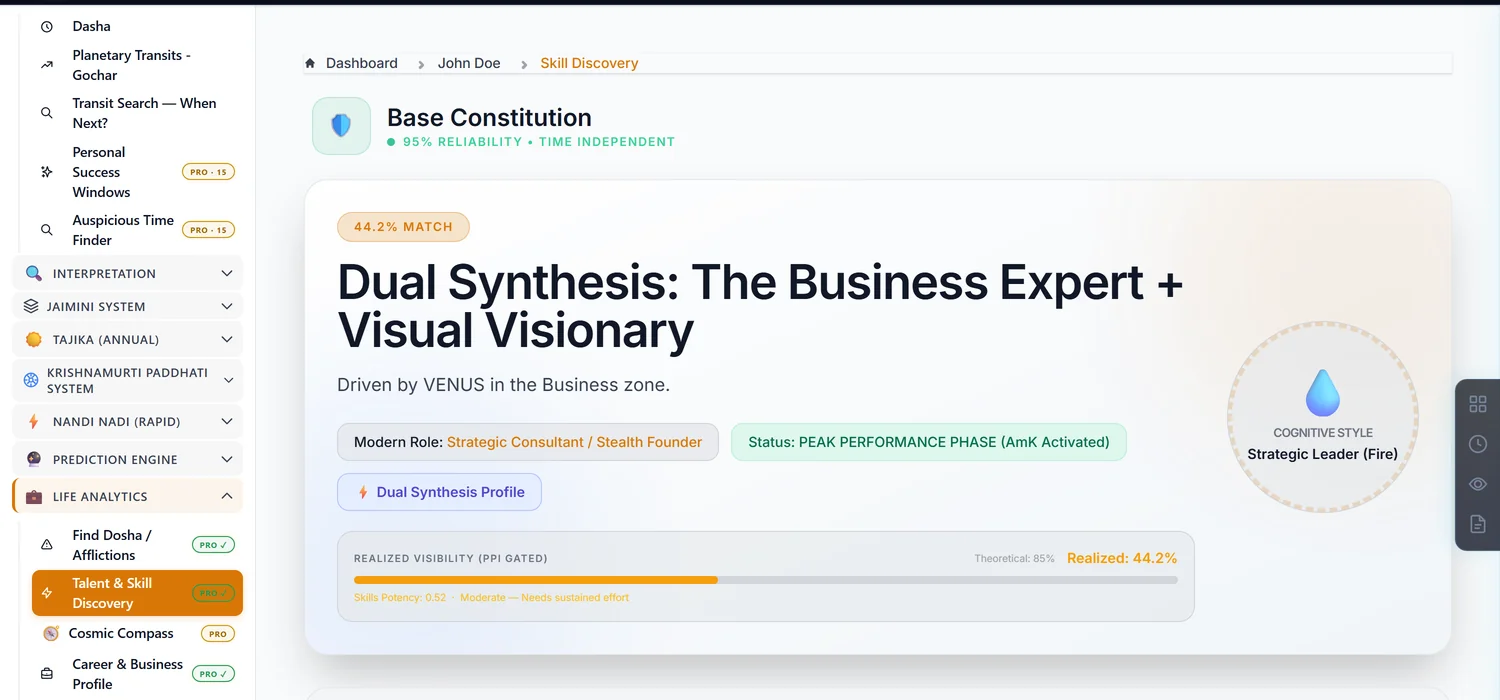
Open a saved chart. In the sidebar, under Life Analytics, click Talent & Skill Discovery.
Step 2 — Understand theoretical versus realized scores
Every category and every planet in this report gets two numbers: a theoretical ceiling (what the planet's raw strength allows) and a realized score (what actually comes through once the planet's real potency is factored in). The grey bar is theoretical, the gold or coloured bar is realized. A talent can be theoretically strong but practically suppressed — that gap is exactly what the Silent Genius and Invisible Talent activation labels describe.
Step 3 — Read the three-layer Talent Architecture
Seed (who you are), Motor (how you act), Market (where it sells) — drawn from the Atmakaraka and Amatyakaraka points in the chart. Read all three together; a strong Seed with a weak Market often means real talent that has not yet found its right outlet.
Step 4 — Active versus Latent skills
The Skill Expression Matrix splits planets into Active & Expressed (visible in the career chart, already driving public achievement) and Latent Potential (reserved, not yet activated). A latent skill is real, just not switched on yet — useful framing for a client asking why a known strength hasn't translated into results.
A section that may show empty
The Learning Pedagogy card is currently disabled in the underlying calculation and will often appear blank — that part of the analysis has been folded into the separate Education module instead. This is expected, not a broken report.
Common mistakes
- Reading the theoretical bar as the final score. The realized (coloured) bar is the one that reflects what actually shows up in life.
- Treating a Latent skill as absent. It is present but not yet expressed — different from a category with no signal at all.
- Expecting the Learning Pedagogy section to always populate. It is frequently empty by design.
- Editing birth details after unlocking. Invalidates the unlock like every other paid module.
If something goes wrong
- "Error calculating skills." Something failed while reading the chart's data; try recalculating the chart first.
- The report changed slightly after a while with no repurchase. A platform update can silently refresh a saved report to a newer format; no credits are charged for that.
- "Insufficient Credits." Top up before unlocking.