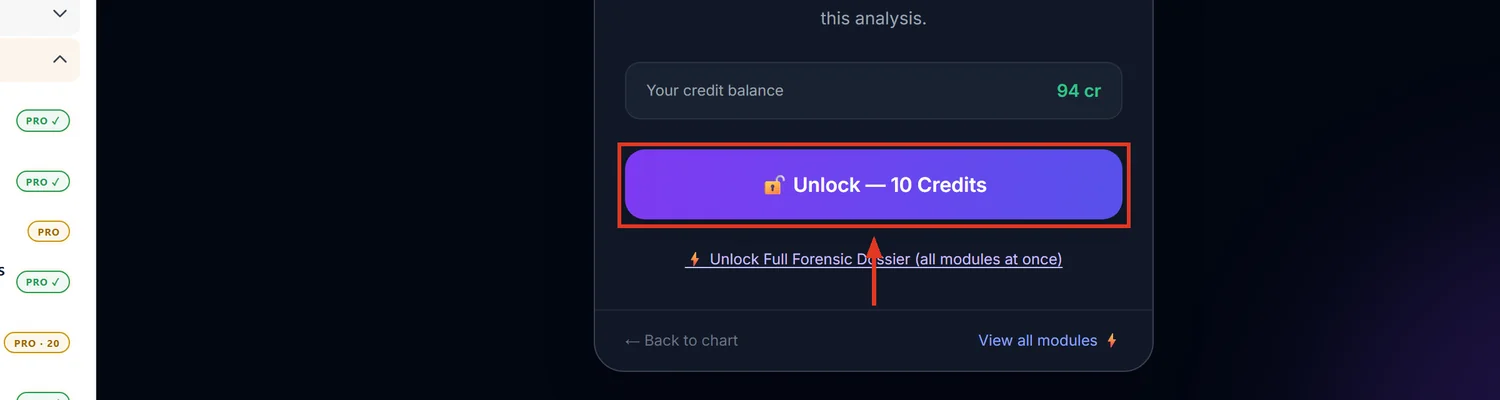
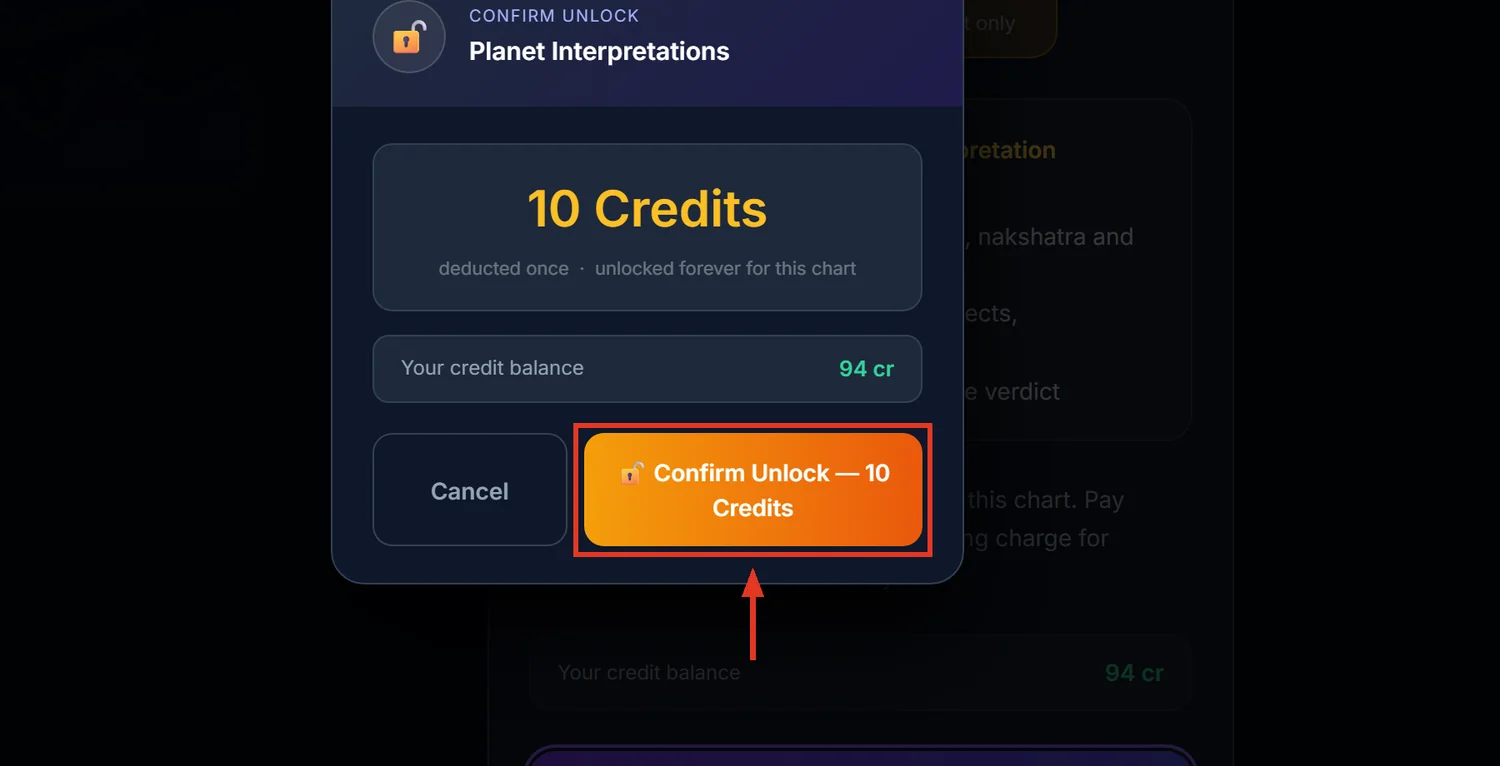
Planet Interpretations is an interactive 8-layer forensic readout per planet — Identity, House Governance, Nakshatra Psychology, Modifiers, Potency, House Receptivity, Divisional Support, and Timing Activation — built on the Phaladipika engine. It costs 10 credits and stays unlocked for 30 days per chart.
Before you start — this is different from the Chart Summary table
The Chart Summary page already shows raw placement data — sign, house, nakshatra, dignity badges. Planet Interpretations is a separate, narrative layer built on top of that data, not a duplicate. Use Chart Summary to see the facts; use this tool to read what they mean.
Step 1 — Open the Workbench
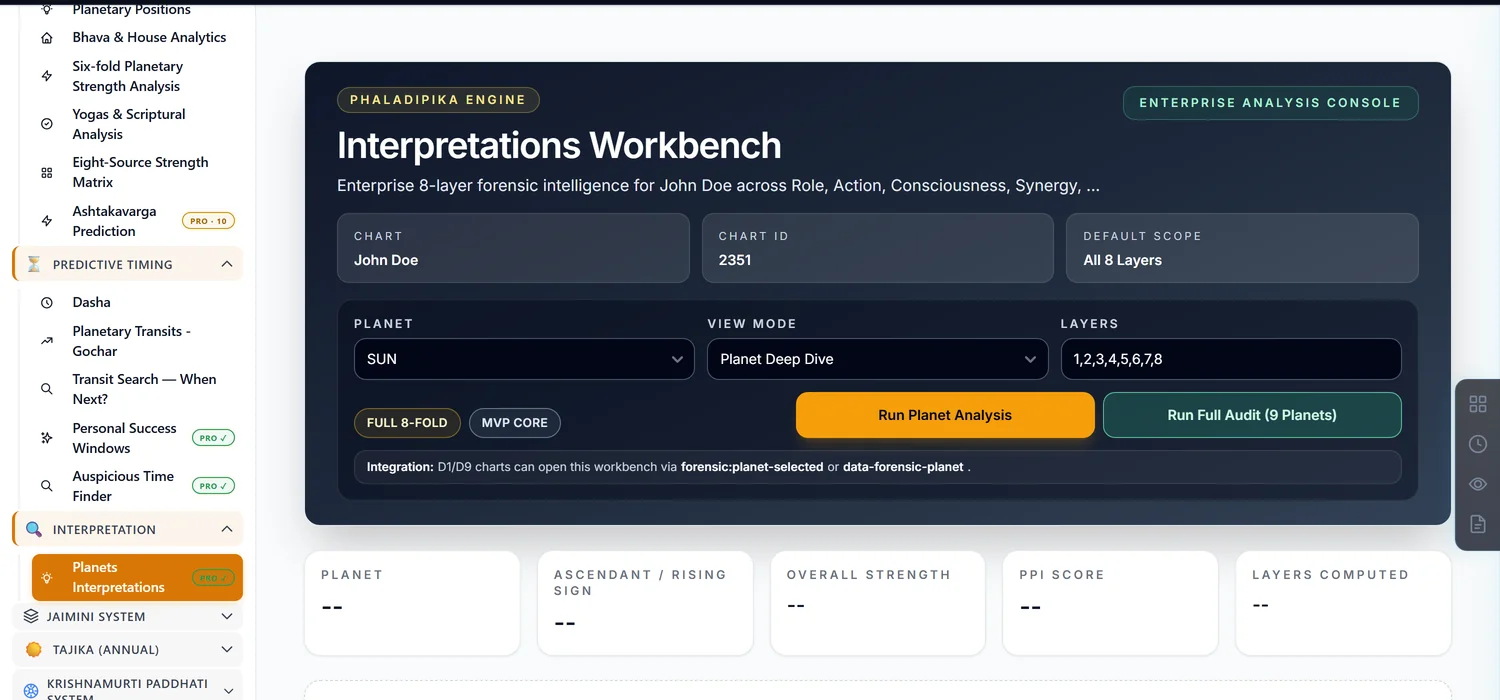
Open a saved chart. In the sidebar, click Planets Interpretations (its own top-level group, not nested under another category). A shortcut labelled Interp also sits directly on the Chart Summary page.
Step 2 — Choose one planet or run the full audit
Pick a planet and click Run Planet Analysis for a single deep dive, or click Run Full Audit (9 Planets) to sweep every planet at once into a tab rail you can flip through. The full audit is the heavier of the two — expect it to take longer.
Step 3 — Read the eight layers in order
Each layer answers a different question: Role (what this planet fundamentally represents here), Action (which house it governs), Consciousness (its nakshatra psychology, including a shadow side), Synergy (conjunctions and aspects), Fuel (its potency score), Field (how receptive its house is), Confirmation (whether the divisional charts agree), and Trigger (when it activates via dasha and transit).
Step 4 — Use the Layer 9 Synthesis as the executive answer
Counsel of the Guru is the synthesis on top of all eight layers — an event, a confidence level, a primary trigger, and a timeline. Check the Forensic Integrity badge on this card: "Review Required" means the eight layers didn't fully agree with each other, so read that particular projection more cautiously than one marked Verified.
Comparing one layer across every planet
Switch View Mode to Comparative Layer View and pick a layer to see all nine planets side by side on that one dimension — useful for spotting which planet is your chart's strongest or weakest on a specific axis, like Fuel (potency) or Trigger (timing).
Common mistakes
- Expecting this to duplicate the Chart Summary data table. It is the narrative layer on top of that data, not a copy of it.
- Treating a "Review Required" synthesis as equally reliable as a "Verified" one. It is a genuine confidence flag on the AI-generated projection.
- Editing birth details after unlocking. Invalidates the unlock like every other paid module.
If something goes wrong
- The Layer 9 Synthesis card never loads. It fetches separately from the main layers and can fail silently; try re-running the planet analysis.
- "Insufficient Credits." Top up before unlocking.