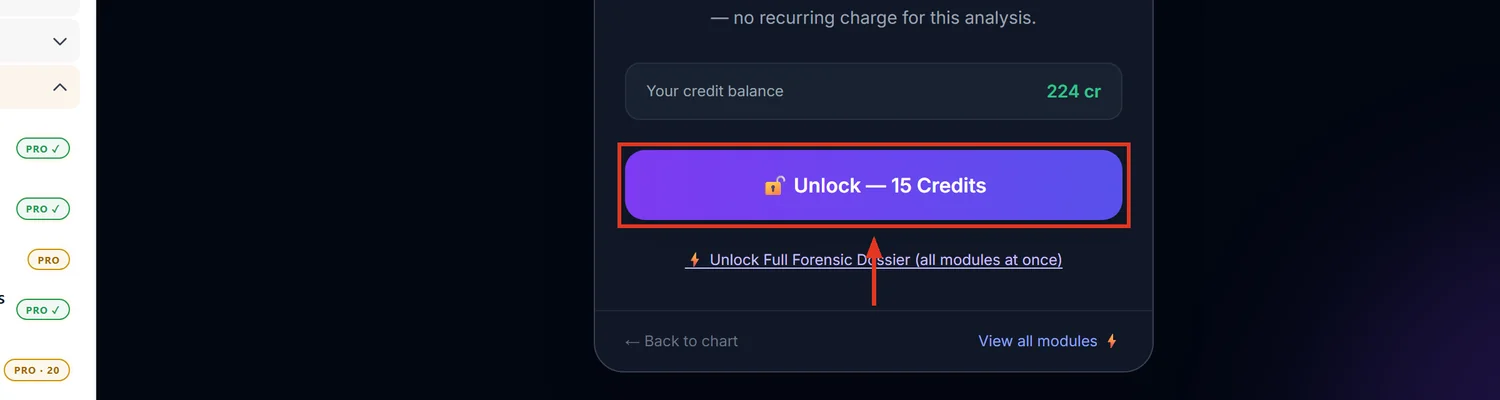
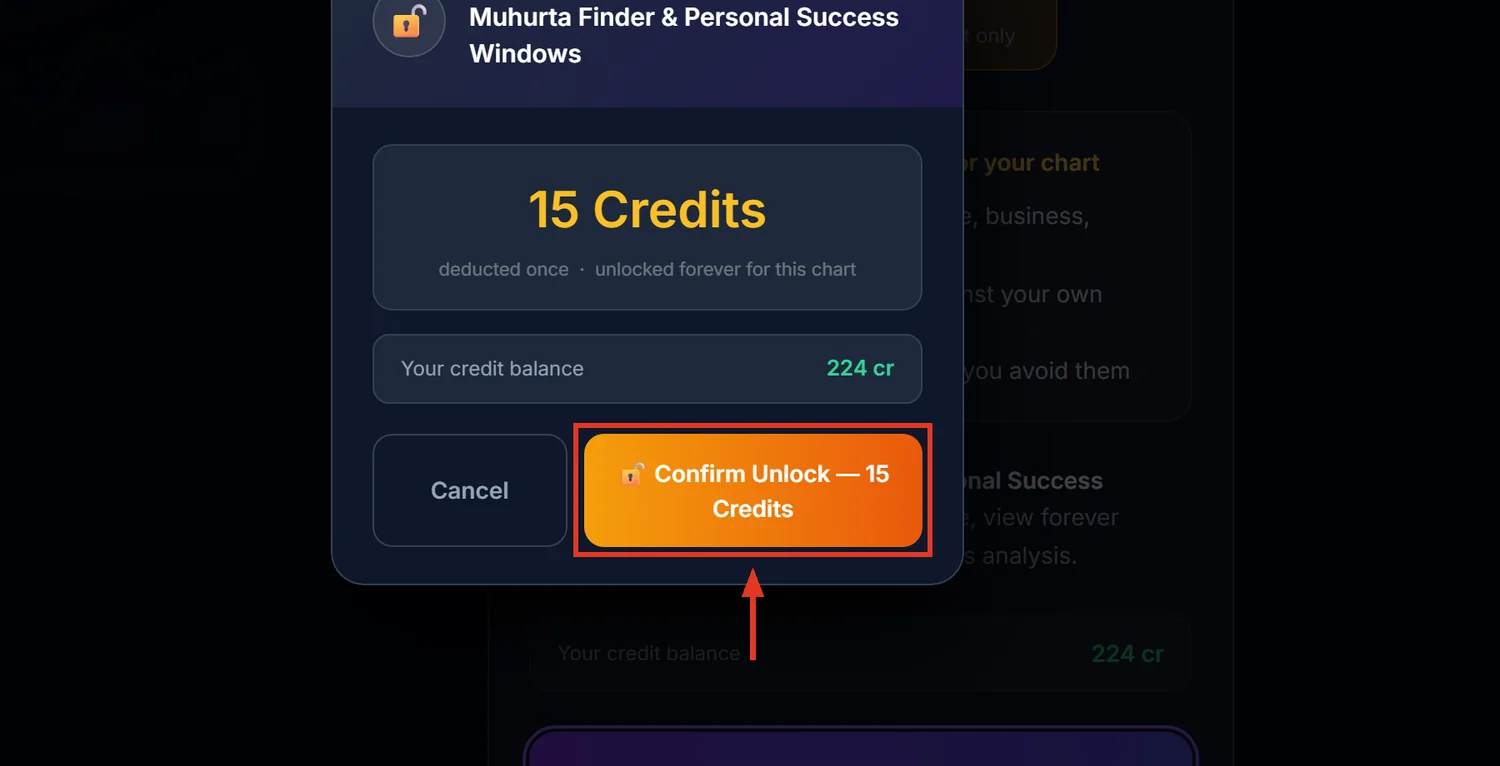
Muhurta Finder searches a date range for the best times to start a specific activity — marriage, property purchase, starting a job, surgery, and 17 others — checking Rahu Kaal, Tarabala, Chandrabala, the rising sign's purity, and activity-specific rules. It costs 15 credits and stays unlocked for 30 days per chart.
Before you start
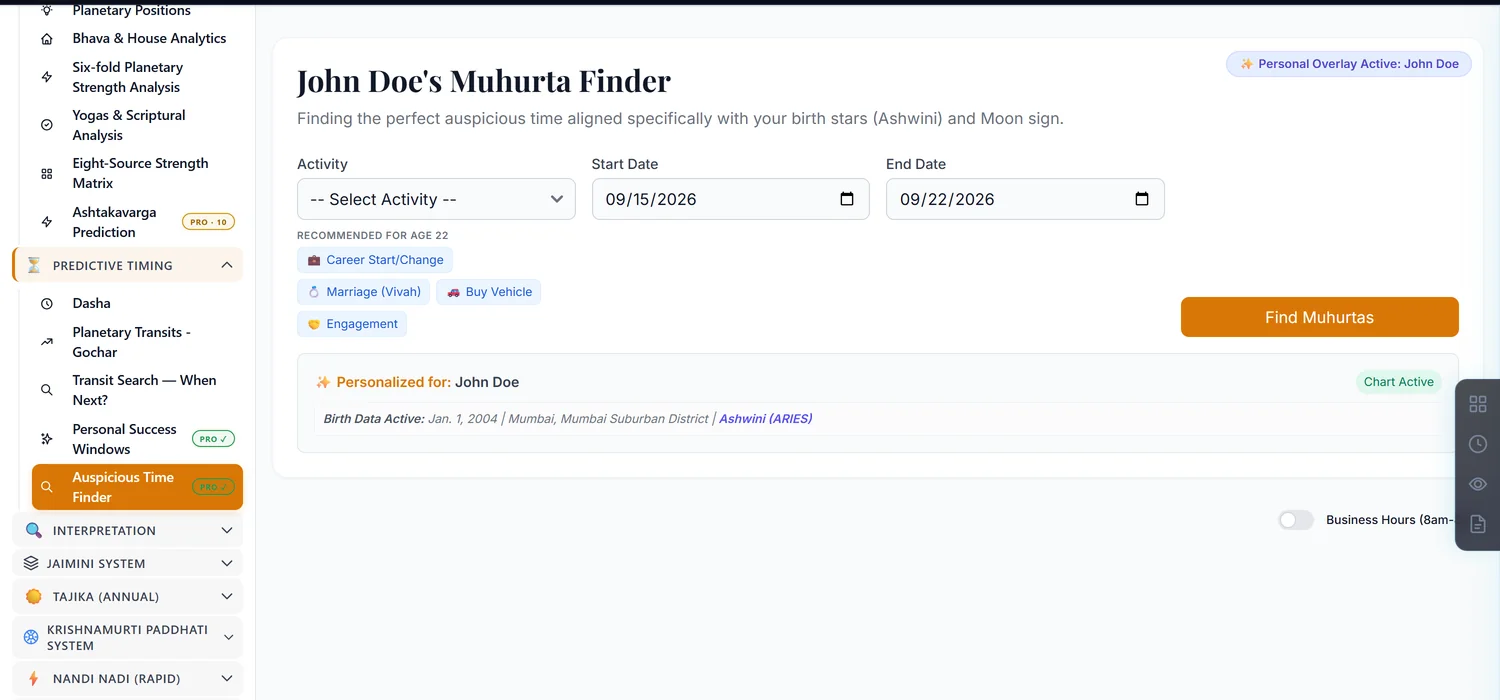
You must pick an Activity before searching — there is no general "any auspicious time" option. Twenty activities are grouped under Life Stages, Home & Vastu, Work & Business, Money & Assets, and Health & Recovery.
Step 1 — Open Muhurta Finder
Open a saved chart. In the sidebar, under Predictive Timing, click Muhurta Finder for the search tool, or Auspicious Time Finder (the search page itself; the sidebar and the page heading say Muhurta Finder) for the same engine framed around your own best-fit periods.
Step 2 — Run a search
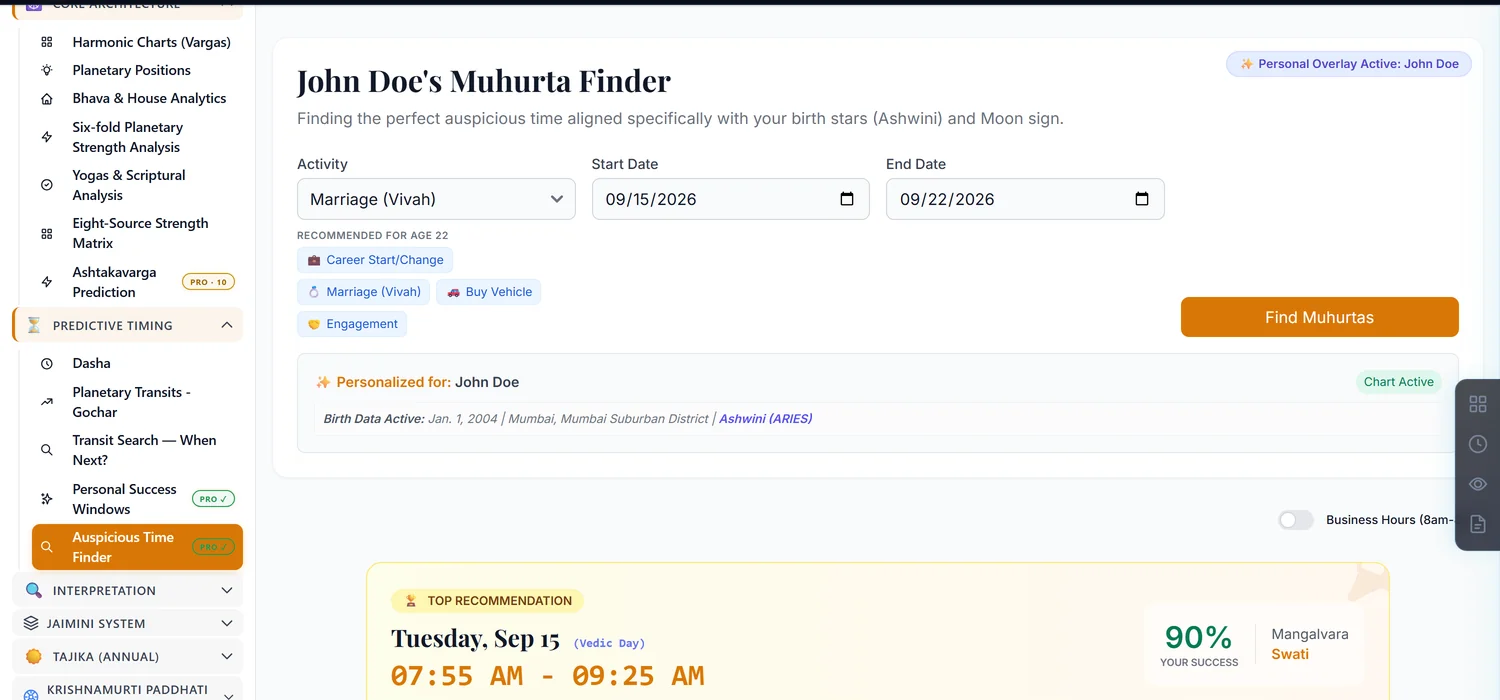
Choose an Activity, a Start Date and End Date, then click Find Muhurtas. Results are grouped by day, each candidate slot showing a quality chip — Best, Good, Average or Bad — a star rating, and a plain-English Coach Tip explaining why.
Step 3 — Understand what the personal overlay adds
Because this is chart-scoped, every slot is scored twice: a Universal Quality that applies to anyone, and a Personal Fit weighted toward your own birth nakshatra and Moon sign (Tarabala and Chandrabala). The final score leans 60% personal, 40% universal — two people asking about the same date can get different recommendations.
Step 4 — Know what disqualifies a slot outright
Rahu Kaal, Bhadra/Vishti Karana, and certain Rikta tithis are hard rejects — no score can rescue a slot that falls in one of these. A slot whose rising sign falls in the 8th house from your Moon sign (Ashtama Lagna) is either rejected or has its score cut in half, flagged with a specific warning. This is the single biggest reason a seemingly fine time still shows as Bad.
What this tool does not check
Outside of a marriage-specific combustion check and a travel-specific direction check, this tool does not scan for general planetary combustion or retrograde status across every activity. If a planet's condition matters for your specific question beyond what the activity's own rule set covers, verify it separately on the Transits page.
Common mistakes
- Searching without picking an activity. The form blocks this with an alert.
- Assuming a "Good" universal score means good for you personally. Check the personal-fit weighting too — the two can diverge.
- Searching a very wide date range and expecting an instant result. Each day re-runs a full multi-layer calculation; a long range will take longer.
- Editing birth details after unlocking. Invalidates the unlock like every other paid module.
If something goes wrong
- "No suitable muhurtas found for this criteria." Widen the date range or try a different personalization.
- "Please select an activity first." The Activity field is required before searching.
- Results seem to ignore your chart. Results are computed live every time, never saved — if personalization looks off, confirm the correct chart is still selected.