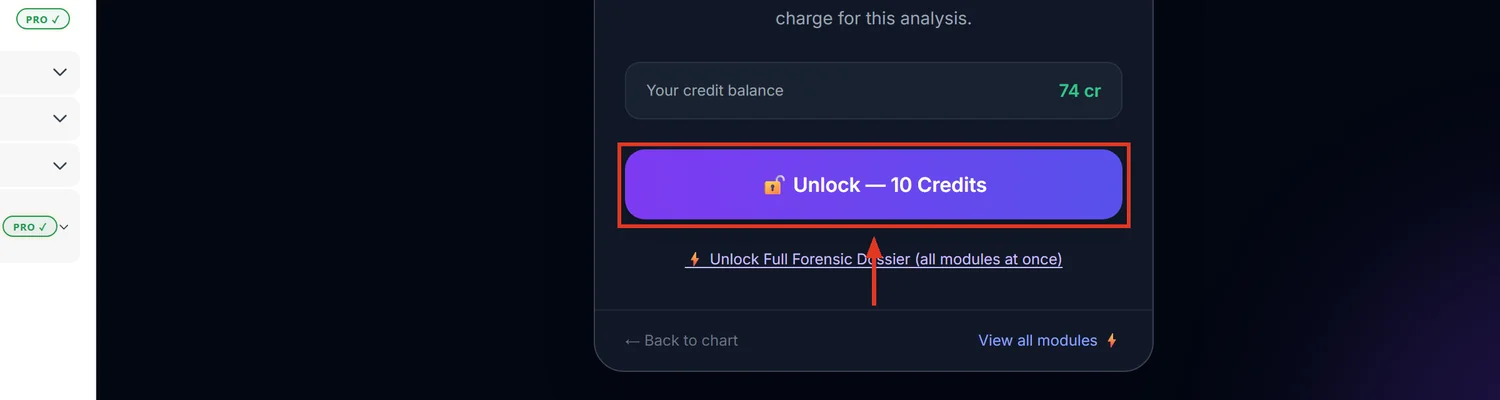
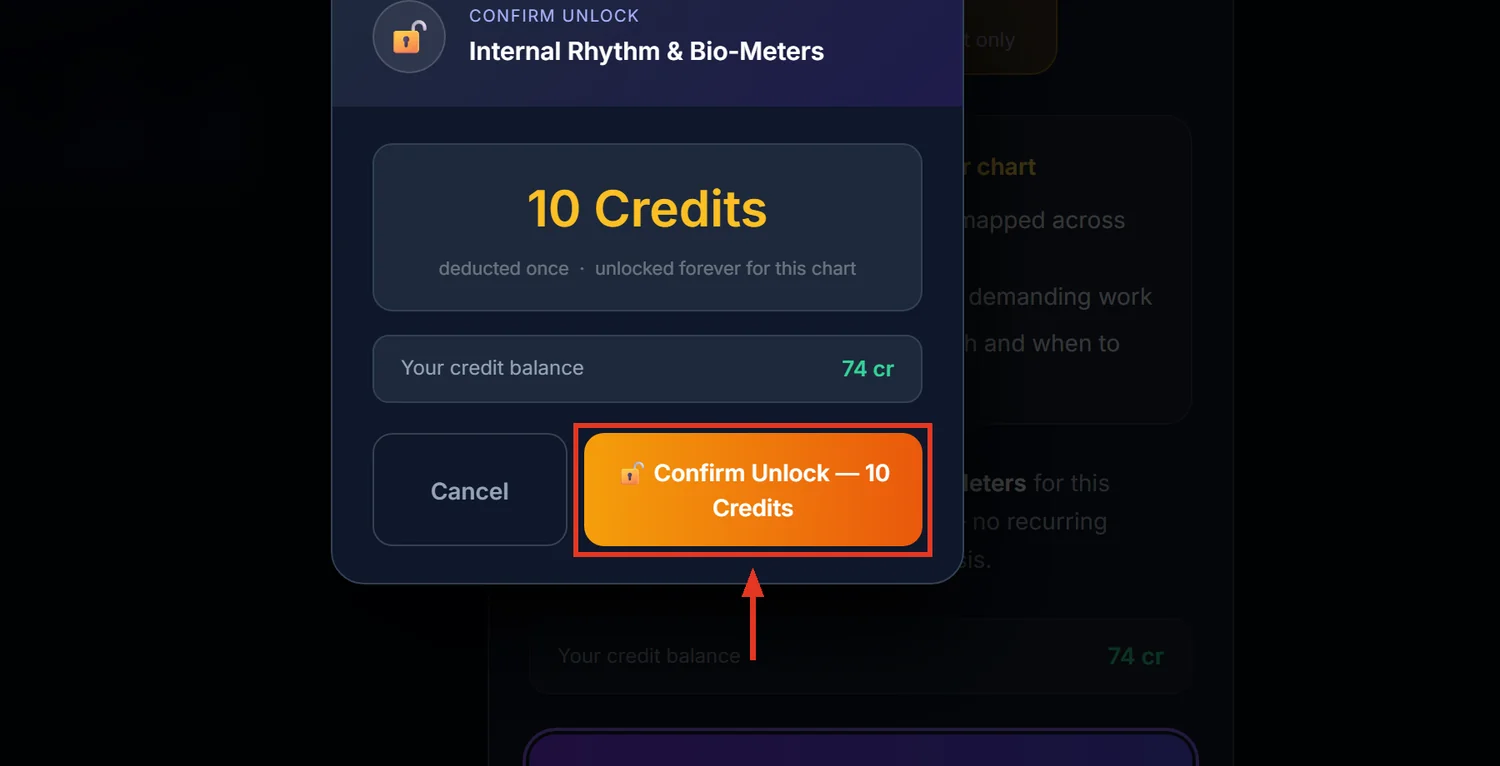
Internal Rhythm & Bio-Meters tracks three Vedic transit-based cycles — mind and strategy, vitality and action, and a manifestation/recognition meter — against a 7-day forecast table. It costs 10 credits.
Before you start — this is not a Western biorhythm chart
The name suggests a classic sine-wave biorhythm graph. What this actually computes is live transit positions — Moon, Mercury, Mars, Sun, the Lagna lord, and the 10th lord — measured against the natal chart, combined with Tara Bala. It's astrology-driven, not a fixed mathematical cycle.
Step 1 — Open Internal Rhythm
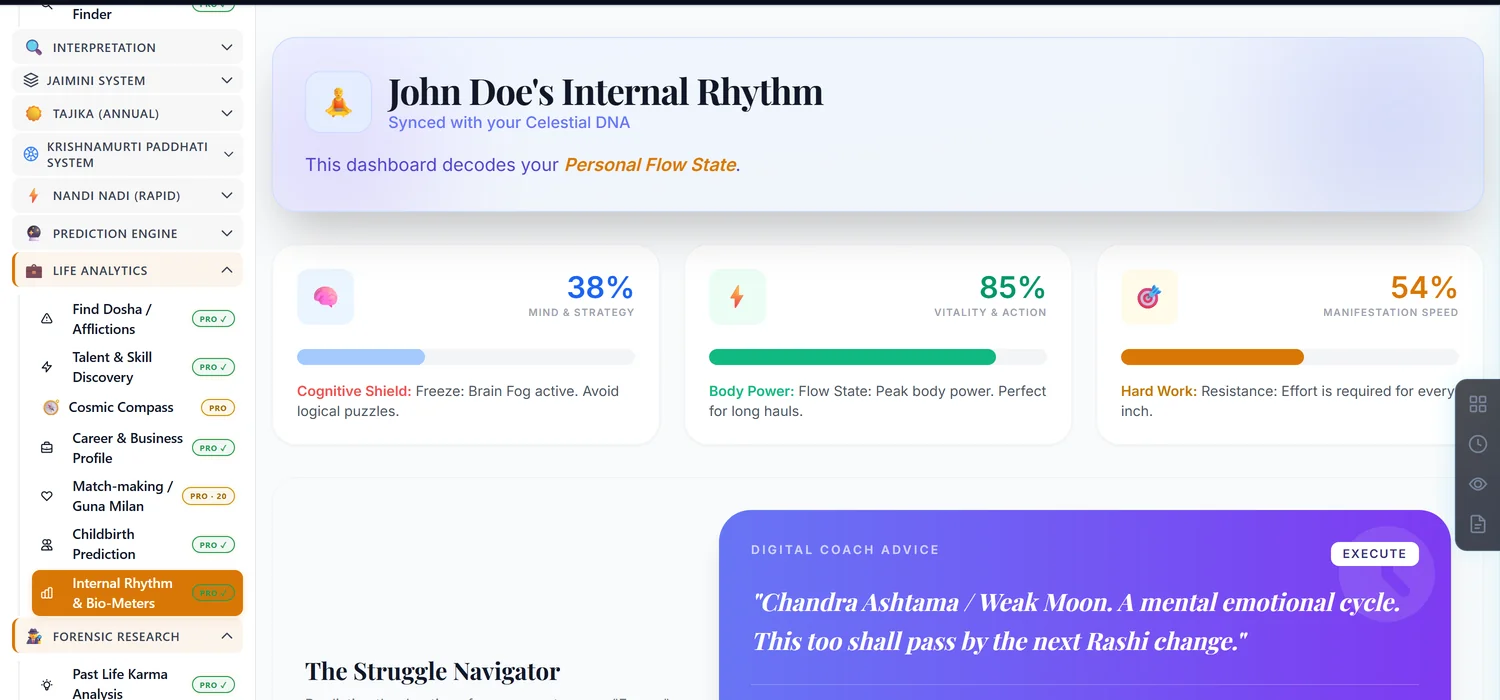
Open a saved chart and find Internal Rhythm & Bio-Meters in the sidebar. It is not listed on the Reports Hub — the sidebar is the only route to it.
Step 2 — Read the three meters
Two meters are straightforward: mental focus and physical vitality, each drawn from current transits against your chart. The third meter, labelled Manifestation Speed on screen, reflects how easily results and recognition are likely to show up right now — read it as the slowest-moving of the three, since it depends on more factors settling into place together.
Step 3 — Use the 7-day table to plan ahead
The forecast table looks a day at a time, scoring mental focus, physical power, and manifestation with a probability figure for each. Use it to pick which day in the coming week suits a demanding task, rather than reading only today's numbers.
Common mistakes
- Expecting a fixed personal cycle like a classic biorhythm chart. This recalculates from live transits, not a repeating personal wave.
- Looking for this on the Reports Hub. It's only reachable from the sidebar.
- Editing birth details after unlocking. Invalidates the unlock like every other paid module.
If something goes wrong
- Numbers look flat across many days. Some transit configurations genuinely produce a quiet week; this is a real result, not a stall.
- "Insufficient Credits." Top up before unlocking.