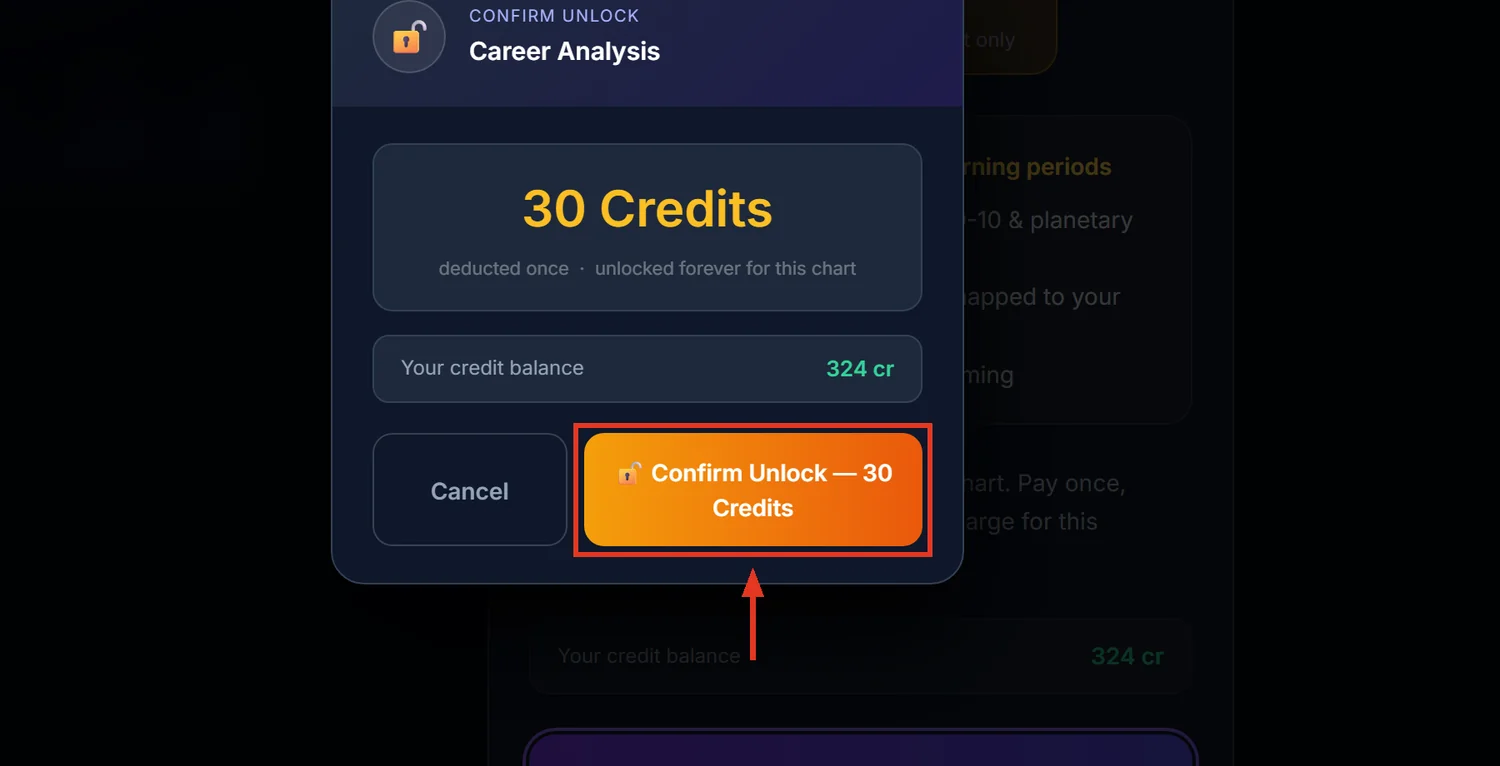
Career Analysis weighs six factors — profession type, best-fit fields, the D10 career chart, prosperity, public status, and Ashtakavarga strength in the 10th house — into one report with career timing. It costs 30 credits and stays unlocked for 30 days, not a lifetime purchase.
Before you start
You need a saved, calculated chart. Career Analysis has no link in the main sidebar — reach it from a "Career Analysis" card on the Spiritual Analysis page, the Past Karma dashboard, or the Reports Hub.
Step 1 — Open Career Analysis
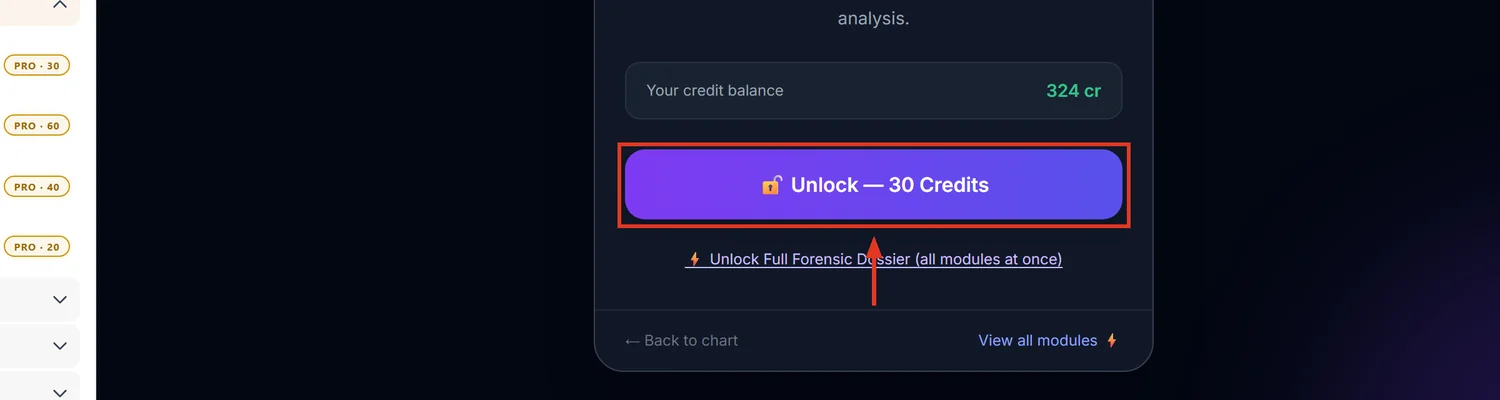
From Spiritual Analysis, Past Karma, or Reports Hub, click the Career Analysis card. If not yet unlocked, you land on a locked preview showing three teaser points: best-fit fields from the 10th house, D-10 and planetary strengths; career rise and change windows mapped to your dashas; and business-versus-job suitability with timing.
Step 2 — Know exactly what you are paying for
30 credits, valid for 30 days on that chart — not a permanent unlock. After unlocking, a staged progress screen runs for up to about 30 seconds: casting divisional charts, weighing house strengths, reading dasha and transit state, then generating the written reading. Credits are deducted immediately, before the reading is generated — do not refresh the page while it says "please don't refresh."
Step 3 — Read the report in this order
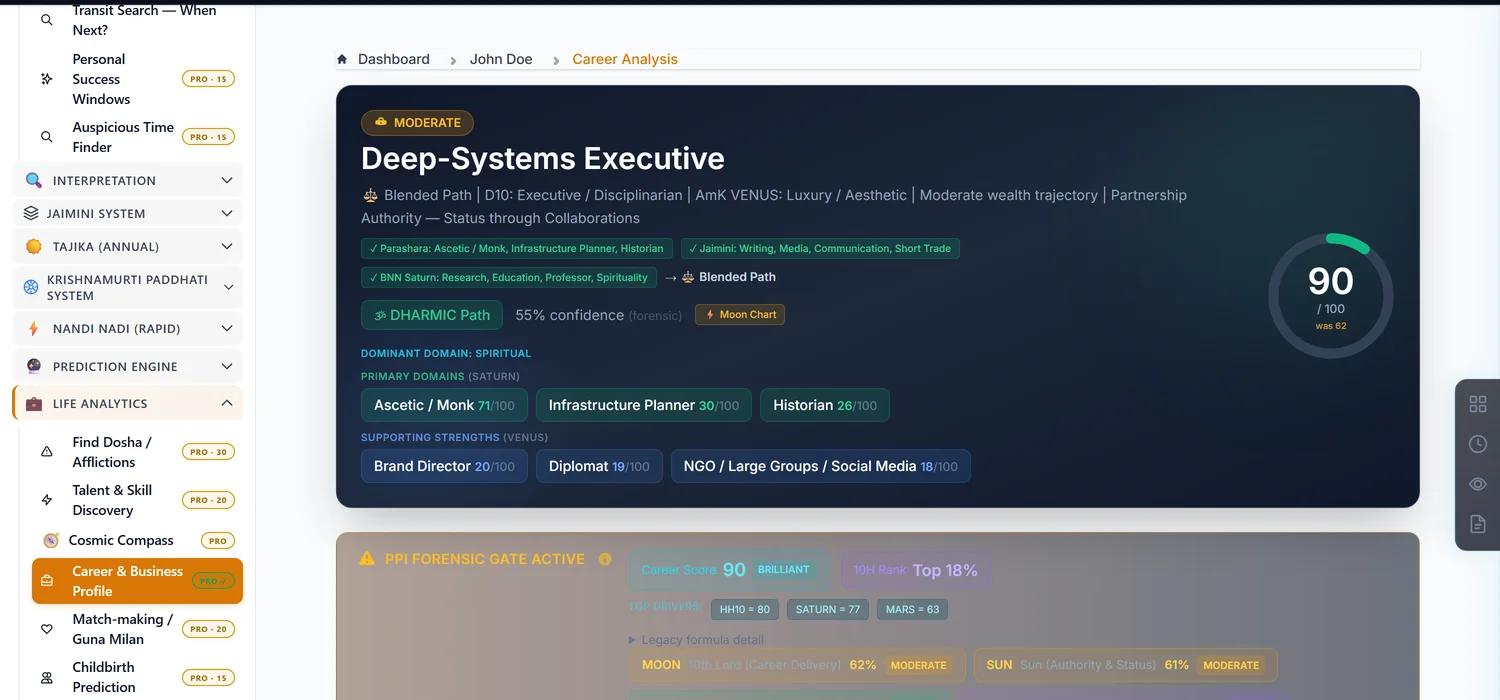
Start with the headline career type badge and confidence percentage, then Best Career Fields for the best-fit industries, then the D10 Analysis narrative for how the career divisional chart reads on its own. Prosperity (Indu Lagna) and Public Status (A10) are separate axes — a chart can show strong status with weak prosperity, or the reverse, and the report keeps them apart rather than blending them into one number.
Step 4 — Use the timing section for when, not just what
The report names a specific upcoming Phase Peak planet and period — this is when the chart's career energy is strongest, separate from the general strength score. Use it to advise a client on when to make a move, not only what direction to move in.
If the D10 section looks thin
If the chart's divisional chart data was not fully calculated, the D10 section shows "D10 data not available" and the rest of the report still renders using the other five factors. This is a degraded report, not a failed one — recalculating the chart before purchase avoids it.
Common mistakes
- Assuming this is a permanent unlock. It expires after 30 days; buying it again later for the same chart is expected, not a billing error.
- Editing birth details after unlocking. Any change to date, time, place, ayanamsa or house system invalidates the unlock immediately — even inside the 30-day window — and the next visit asks for credits again.
- Reading Prosperity and Public Status as the same thing. They are scored separately and can disagree.
- Refreshing during the unlock progress screen. Credits are already spent; wait for it to finish on its own.
If something goes wrong
- "Insufficient Credits." Top up before unlocking; the message states exactly how many more credits you need.
- Unlock fails with a network error. Retry — if credits were deducted but no report appeared, contact support with the chart name and time of the attempt.
- "You do not have access to this chart." Career Analysis, like every paid module, only opens for the chart's owner.