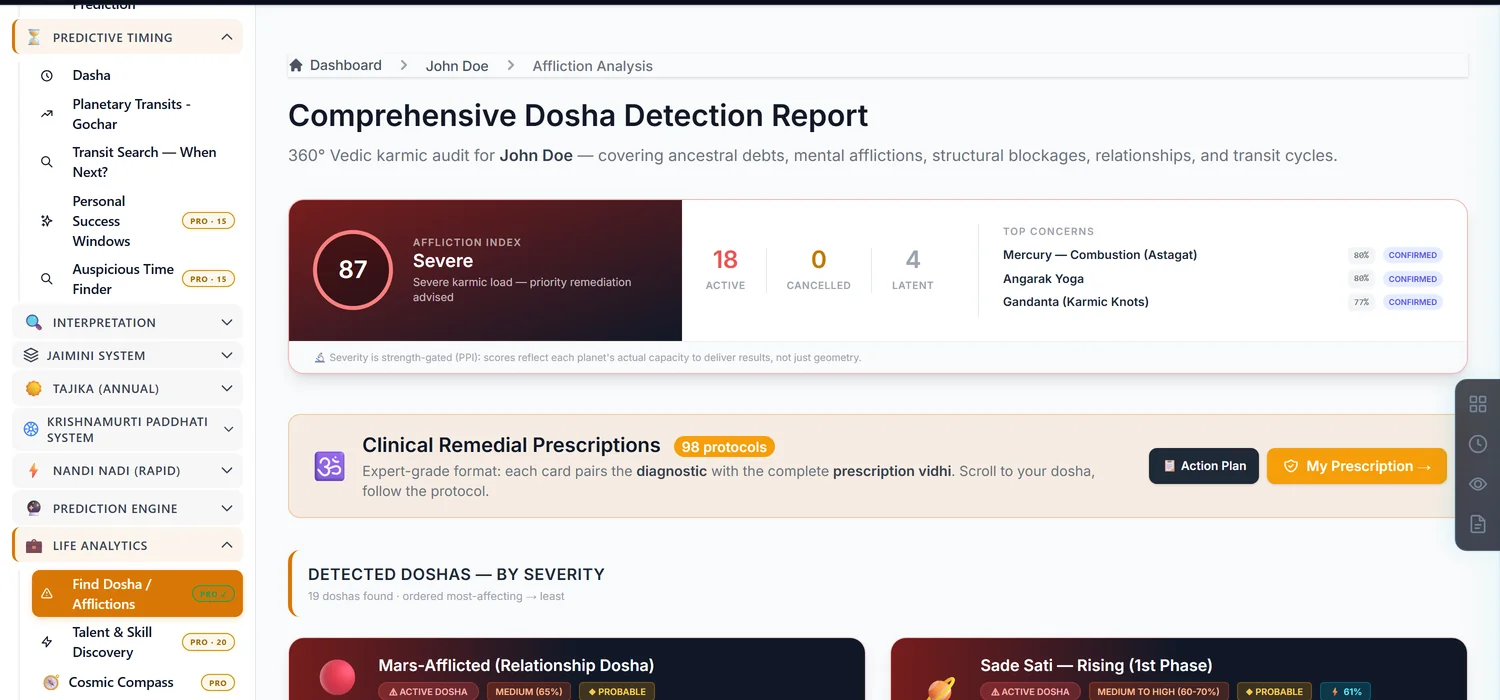
Basic Doshas scans the chart for common planetary afflictions with their severity and prescribed remedies. It costs 20 credits.
Step 1 — Open Basic Doshas
Open a saved chart. In the sidebar, find Basic Doshas and click through to unlock it.
Step 2 — Read severity before count
Each detected dosha carries a severity level and a status — Active, Cancelled, or Latent. A chart can show several doshas by name yet carry little practical weight if most are cancelled or latent; read the severity and status on each one rather than reacting to the raw count.
Step 3 — Remedies are included
Every active dosha comes with its own prescribed remedy directly on the same page — no separate purchase needed to see what to do about a finding.
Common mistakes
- Treating a Cancelled or Latent dosha the same as an Active one. Status changes how much weight to give a finding.
- Editing birth details after unlocking. Invalidates the unlock like every other paid module.
If something goes wrong
- A raw technical error message appears during recalculation. Note the exact text and contact support if it persists.
- "Insufficient Credits." Top up before unlocking.