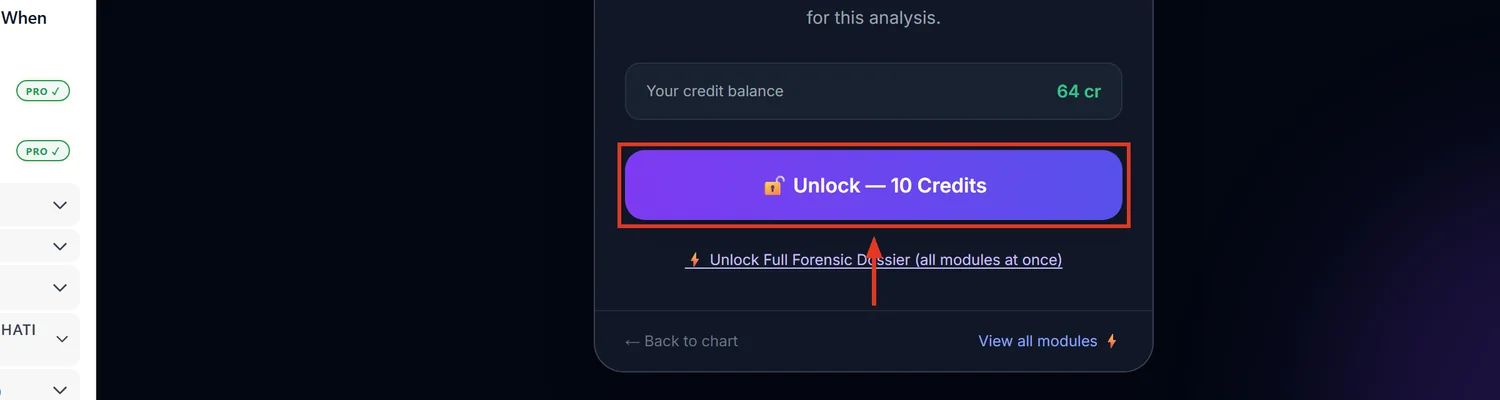
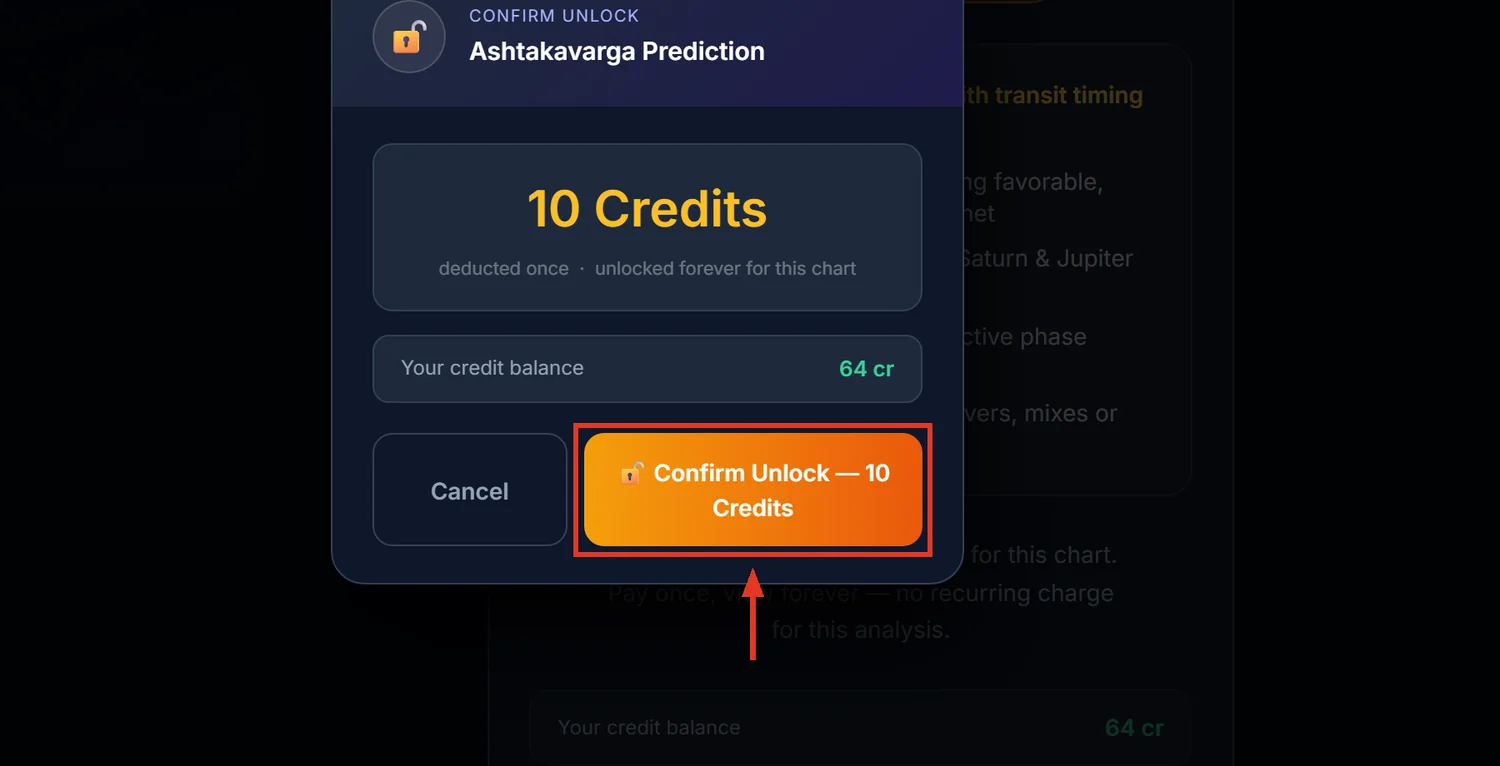
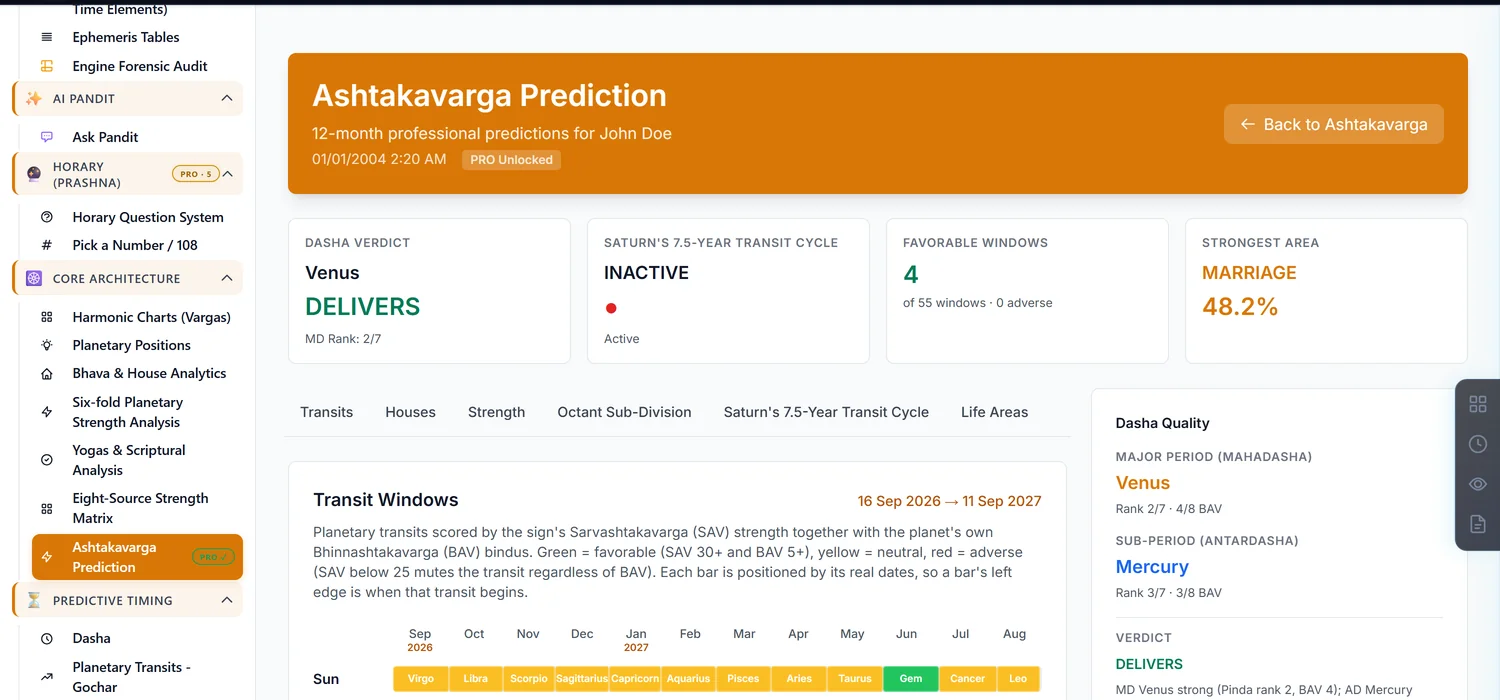
Ashtakavarga Prediction is the paid, deeper sibling of the free Ashtakavarga Matrix — adding Pinda strength scoring, 12-month transit windows, Sade Sati severity, and dasha-quality verdicts. It costs 10 credits and is a lifetime unlock.
Before you start — this is not just a prettier free page
The free Ashtakavarga Matrix and this paid page share vocabulary — SAV, BAV, favorable/adverse — which can make this look like a cosmetic upgrade. It isn't. Everything below is exclusive to this page and does not appear on the free Matrix at all.
Step 1 — Open Ashtakavarga Prediction
Open a saved chart. In the sidebar, under Core Architecture, find Ashtakavarga Prediction directly below the free Ashtakavarga Matrix link. Look closely at the badge — the free one shows a green FREE badge, this one shows a lock icon, one row apart.
Step 2 — Read the Pinda Strength Analysis
Sodhya Pinda is this page's headline addition: a planet's total Ashtakavarga potency, built from Trikona Sodhana (Rasi Pinda) and Ekadhipatya Sodhana (Graha Pinda). A higher Sodhya Pinda means that planet's dashas and transits deliver more tangible results — none of this reduction math exists on the free page.
Step 3 — Use the 12-month Transit Windows
Each window is scored by combining the transiting sign's Sarvashtakavarga strength with the planet's own Bhinnashtakavarga bindus — green for favorable, yellow for neutral, red for adverse. A weak SAV mutes a transit regardless of how strong the planet's own bindus are. The Moon is excluded from this 12-month view since it changes sign every couple of days, too fast for a month-scale window to mean anything.
Step 4 — Check Sade Sati severity and Kakshya windows
If Sade Sati is active, its phase carries a Mild/Moderate/Severe rating rather than a flat yes/no. Kakshya Windows break Saturn and Jupiter's transits into finer sub-periods for tighter timing than the month-level view alone provides.
Step 5 — Read the Dasha Quality verdict
The Mahadasha and Antardasha lords are each given a Pinda rank out of 7 and a bindu count out of 8, then combined into a plain verdict — Delivers, Mixed, or a lower-confidence label — on whether the current period is positioned to actually produce results.
Common mistakes
- Assuming this duplicates the free Matrix page. The Pinda scoring, Kakshya windows, Sade Sati severity and dasha verdict exist only here.
- Missing the lock-icon vs free-badge difference in the sidebar. The two Ashtakavarga links sit one row apart with different access.
- Correcting the chart's birth time after unlocking. This invalidates the unlock like every other paid module — you'll need to unlock again.
If something goes wrong
- "Chart has no planetary data. Recalculate the chart first." Recalculate the chart, then return.
- "Sade Sati is inactive at this time." Expected when Saturn isn't currently transiting the relevant houses from the Moon.
- Insufficient credits. Top up before unlocking; this is a one-time purchase for the chart.