How to Use BNN (Bhrigu Nandi Nadi)
Bhrigu Nandi Nadi groups planets by direction rather than house, then reads a life story from the order they fall in. It is a genuinely different method from the Vimshottari dasha used everywhere else on the site, and it gives age-based life windows rather than calendar dates. It costs 20 credits and stays unlocked for 30 days per chart.
Before you start
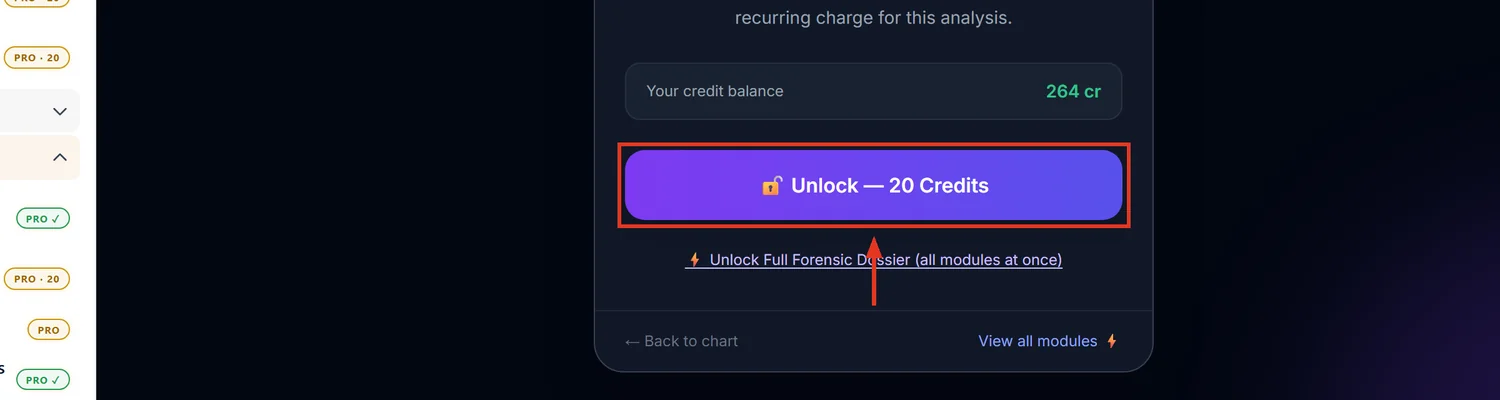
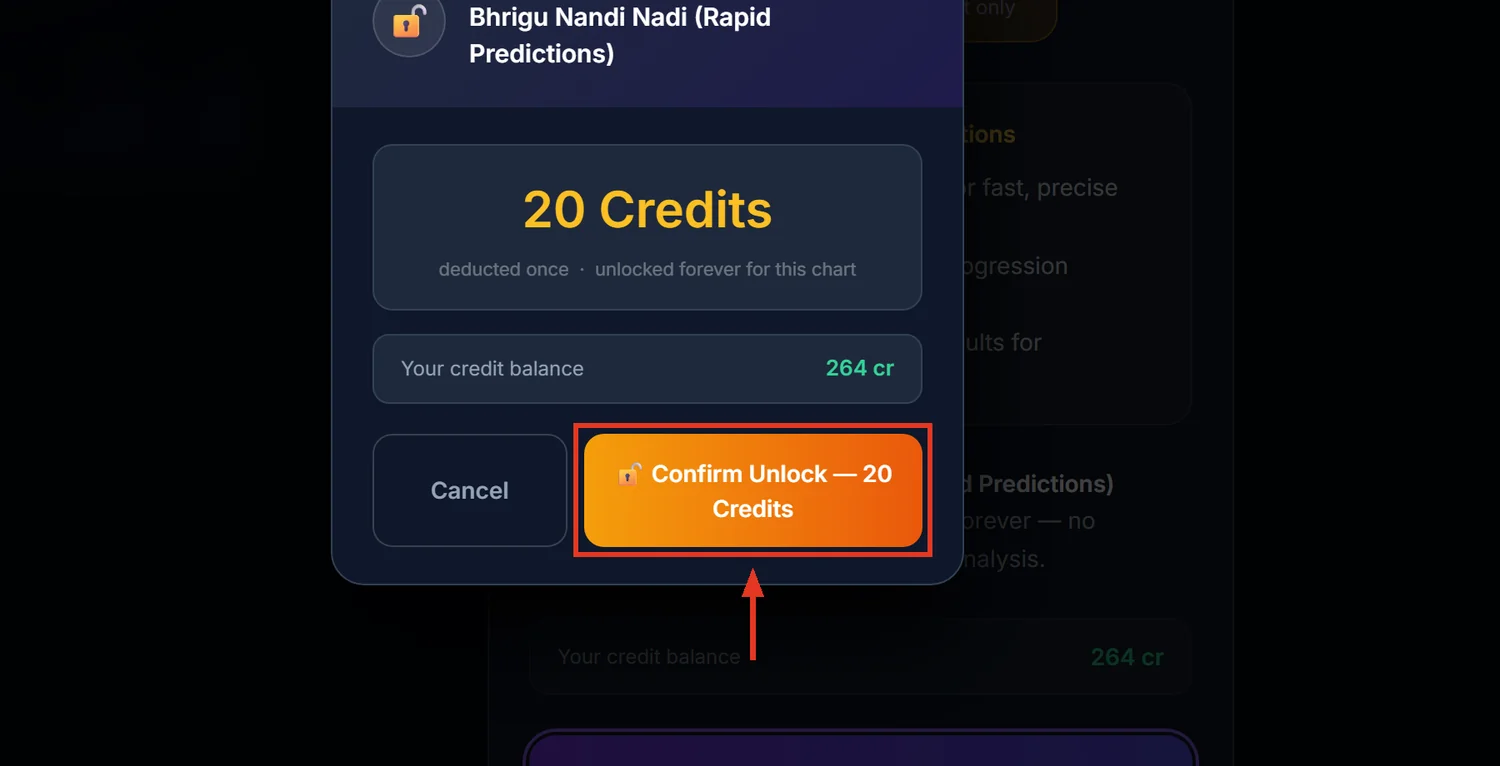
Open the chart first and make sure it is fully calculated. BNN does not check this itself — if planetary data is missing, it quietly produces an empty report instead of an error.
1Open BNN Analysis
Open a saved chart. In the sidebar, expand Nandi Nadi (Rapid) and click BNN Analysis. The dashboard listing your charts is free to browse; the per-chart report itself is what costs 20 credits.
2Know this is not Vimshottari dasha
BNN's timing system is explicitly a different method: Jupiter cycles roughly every 12 years, Saturn every 30, Rahu/Ketu every 18 — a simple rashi progression, not nakshatra-based dasha. Predictions here are tagged "Age N", not a date. Use BNN to flag which life chapter to expect, then cross-check the exact timing window against the chart's regular Dasha page.
3Read Direction Clusters
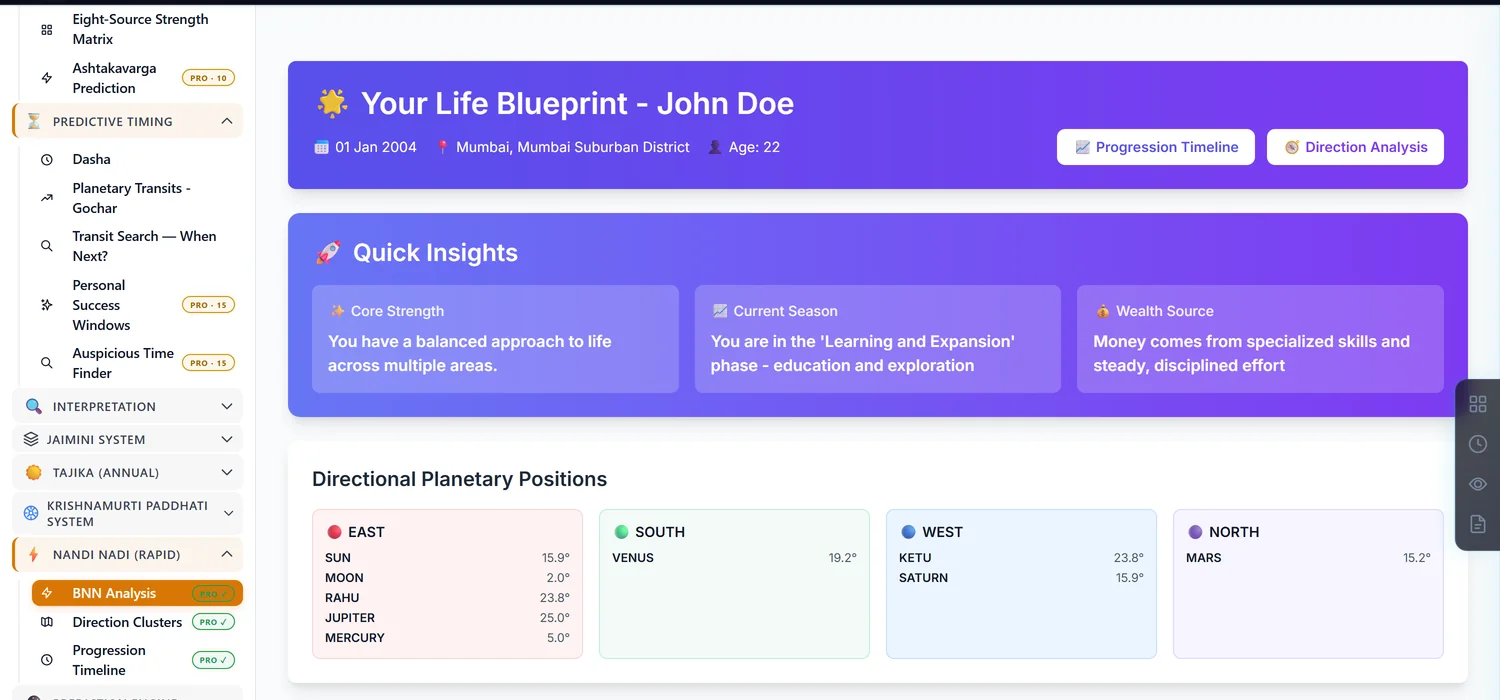
Planets are grouped into East, South, West, North by sign, not by house. Within a direction, the lowest-degree planet is the "starting point" and the highest-degree planet is the "destination" — read that ordering as a mini life-story for that direction, not a strength ranking.
4Use the Progression Timeline for life chapters
Jupiter, Saturn and Rahu/Ketu each get their own mini life-cycle card with a "Next change: Age N" marker. The Lifetime Event Timeline below lists specific ages with a story-style description — useful for a broad conversation with a client about upcoming chapters, not for pinning an exact month.
5Know what else is bundled in
The same 20-credit unlock includes Nadi Health Insights, a Nadi Vastu property prediction, and Family Dynamics (father/mother/siblings) — these are not separate purchases, just scroll further down the report.
Common mistakes
- Quoting a BNN age window as a precise date. It marks a life chapter, not a day.
- Comparing BNN timing directly against Vimshottari dasha results. They are two different systems and will not always agree; that is expected.
- Assuming the whole BNN section is free because the dashboard is. Only the chart list is free; each report costs credits.
- Trusting a blank report as "no significant findings." An empty BNN report can mean the chart's planetary data was never fully calculated. Recalculate the chart and try again.
If something goes wrong
- The report looks empty or thin. Recalculate the chart first — BNN does not warn you if the underlying data is missing.
- "Insufficient Credits." Top up before unlocking; the message states exactly how much more you need.
- Editing birth details after unlocking. This invalidates the unlock, same as every other paid module — the next visit asks for credits again.