How to Use Astro-Cartography
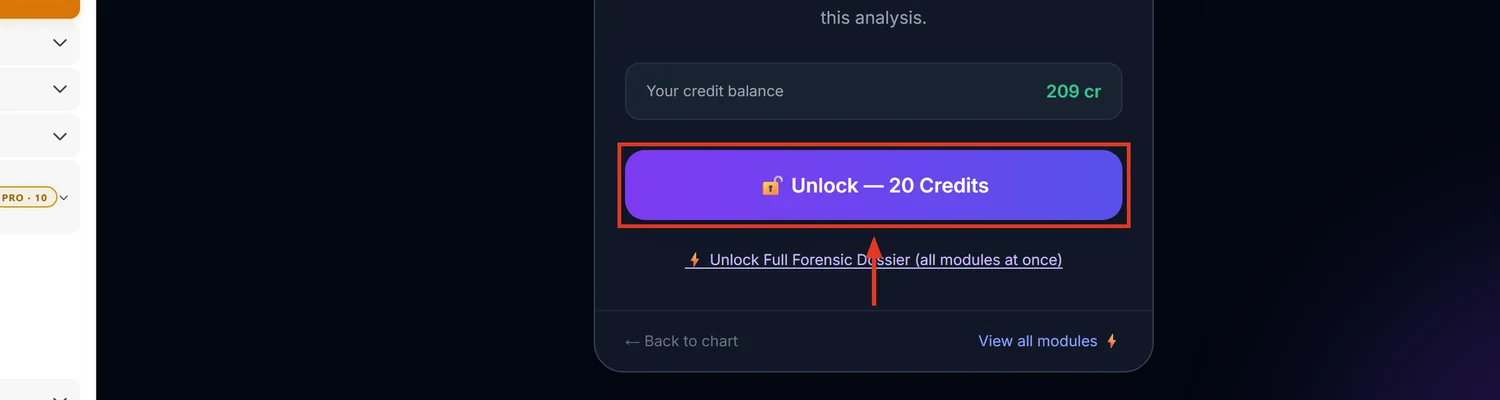
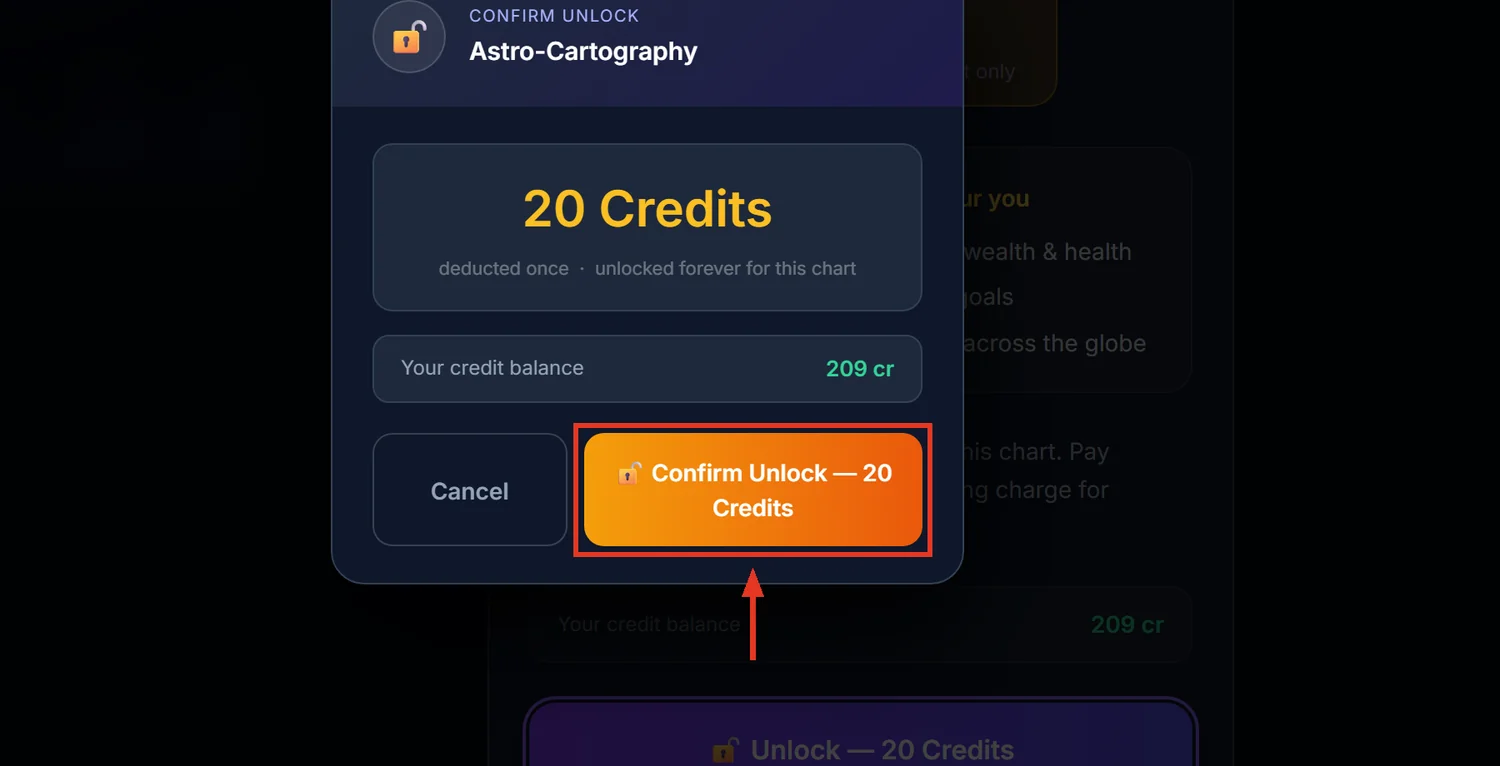
Astro-Cartography computes how a chart's Ascendant and planetary strengths shift if the native relocates, and delivers that as a written strategy report with a city compatibility table. It costs 20 credits.
Before you start — this is not a world map
The name suggests a map with coloured lines drawn across the globe. What you actually get is a text and table report — a "Global Success Strategy" dossier, not a plotted map. If a client asks to see astro-lines on a map, set that expectation before they open the report.
1Open Astro-Cartography
Open a saved chart. In the sidebar, under Forensic Research, click Astro-Cartography.
2Read the report in order
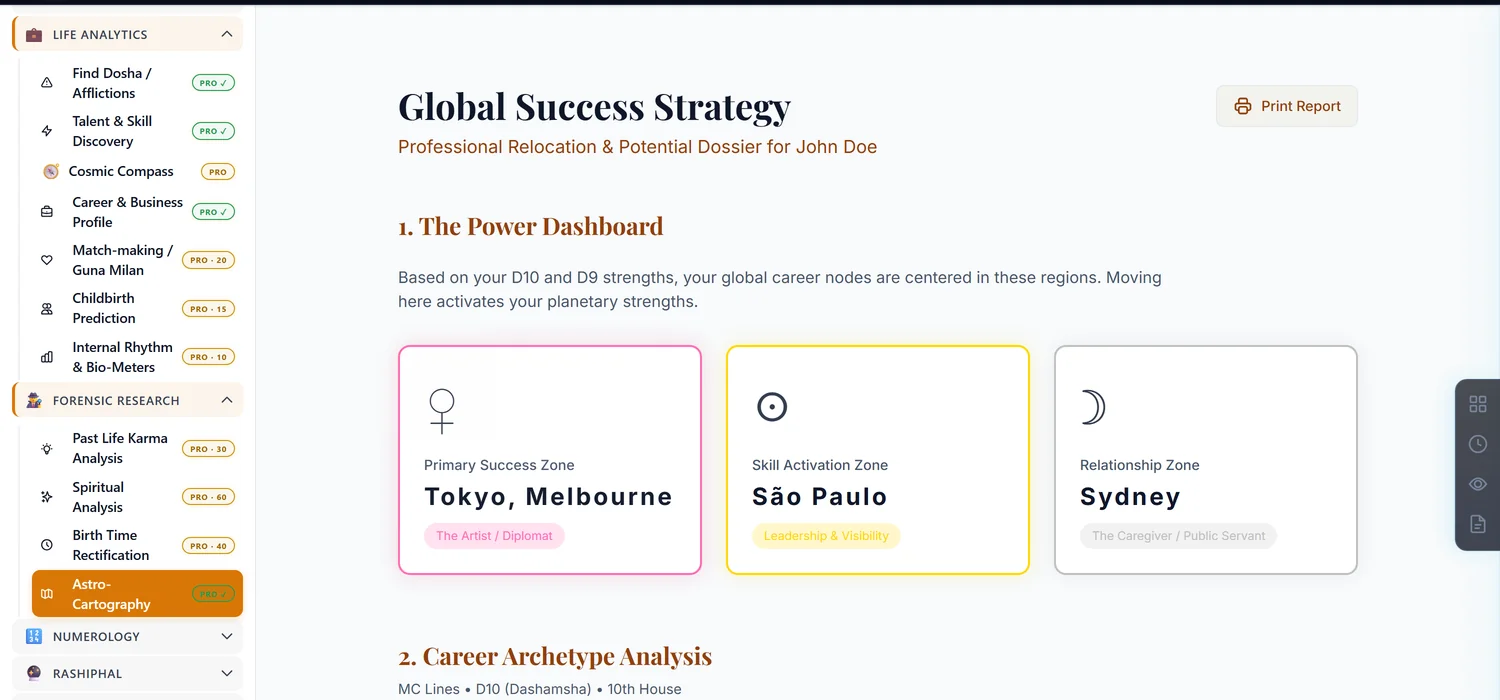
The Power Dashboard names a Primary Success Zone, a Skill Activation Zone and a Relationship Zone. Below it, Career Archetype Analysis is drawn from the D10 career chart and the Midheaven; Skill & Personal Power is drawn from the D9 and the Ascendant. These sections answer where, not when — a separate Timing section covers when a move is favourable.
3Check a specific city
Under Check Any City for Relocation Potential, type a city name and click Analyze City. This only searches a fixed list of major cities — an unrecognised name returns a not-found message rather than accepting arbitrary coordinates. The result shows the relocated Lagna, a score out of 10, and a plain-language explanation of what shifts.
4Use the City Compatibility Matrix and Relocation Comparison
The matrix ranks a set of cities by score with a short reason for each. Relocation Comparison puts the birth chart and the relocated chart side by side with a final verdict — the fastest way to show a client the actual before-and-after.
Common mistakes
- Expecting a Mapbox-style world map with drawn lines. The product is a written report, not a map.
- Trying to enter arbitrary coordinates in the city search. Only major cities on the built-in list are recognised by name.
- Editing birth details after unlocking. Invalidates the unlock, same as every other paid module.
If something goes wrong
- "City not found." Try a nearby larger city from the supported list.
- "Insufficient Credits." Top up before unlocking.
More Screenshots